Updates
Configure automatic update checking and the frequency at which korTTY queries GitHub for new releases. Open via Configuration → Global Settings → Updates; stored in ~/.kortty/global-settings.xml.
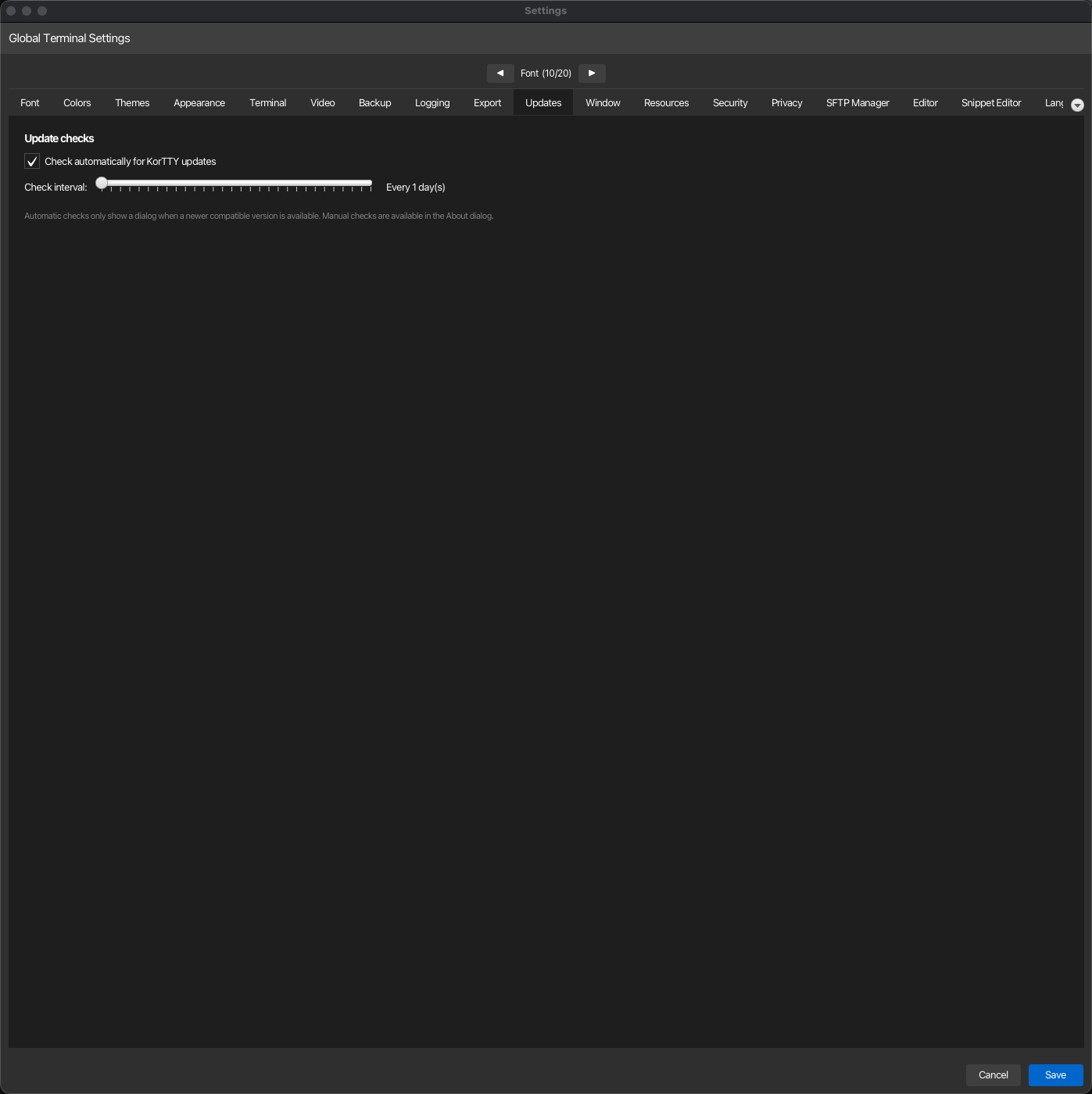
| Setting | Type | Values | Default | Stored as |
|---|---|---|---|---|
| Check automatically for KorTTY updates | toggle | — | On | updateChecksEnabled |
| Check interval | slider | 1–30 days | 1 day | updateCheckIntervalDays |
Note
Automatic update checks run silently in the background and only display a notification dialog when a newer compatible version is available. Manual update checks are available via the About dialog at any time.
Downloading and installing an update
korTTY selects the native release asset that matches the current operating system, processor architecture and package type, downloads it to the platform's normal Downloads directory and verifies the SHA-256 digest published by GitHub before making the file available. A Flatpak installation only accepts a matching .flatpak bundle; it never offers a DEB, RPM, pacman package or portable archive as an in-place replacement.
Flatpak bundles are downloaded but not installed automatically. After the download, korTTY shows the exact host-terminal command, equivalent to the following example, and keeps the downloaded path selectable:
The GitHub release page remains available through the guide if the package manager requires additional confirmation or a system-wide installation.