Language
Configure the user interface language for korTTY. Supports 8 built-in languages plus automatic detection based on your system settings. Open via Configuration → Global Settings → Language; stored in ~/.kortty/global-settings.xml.
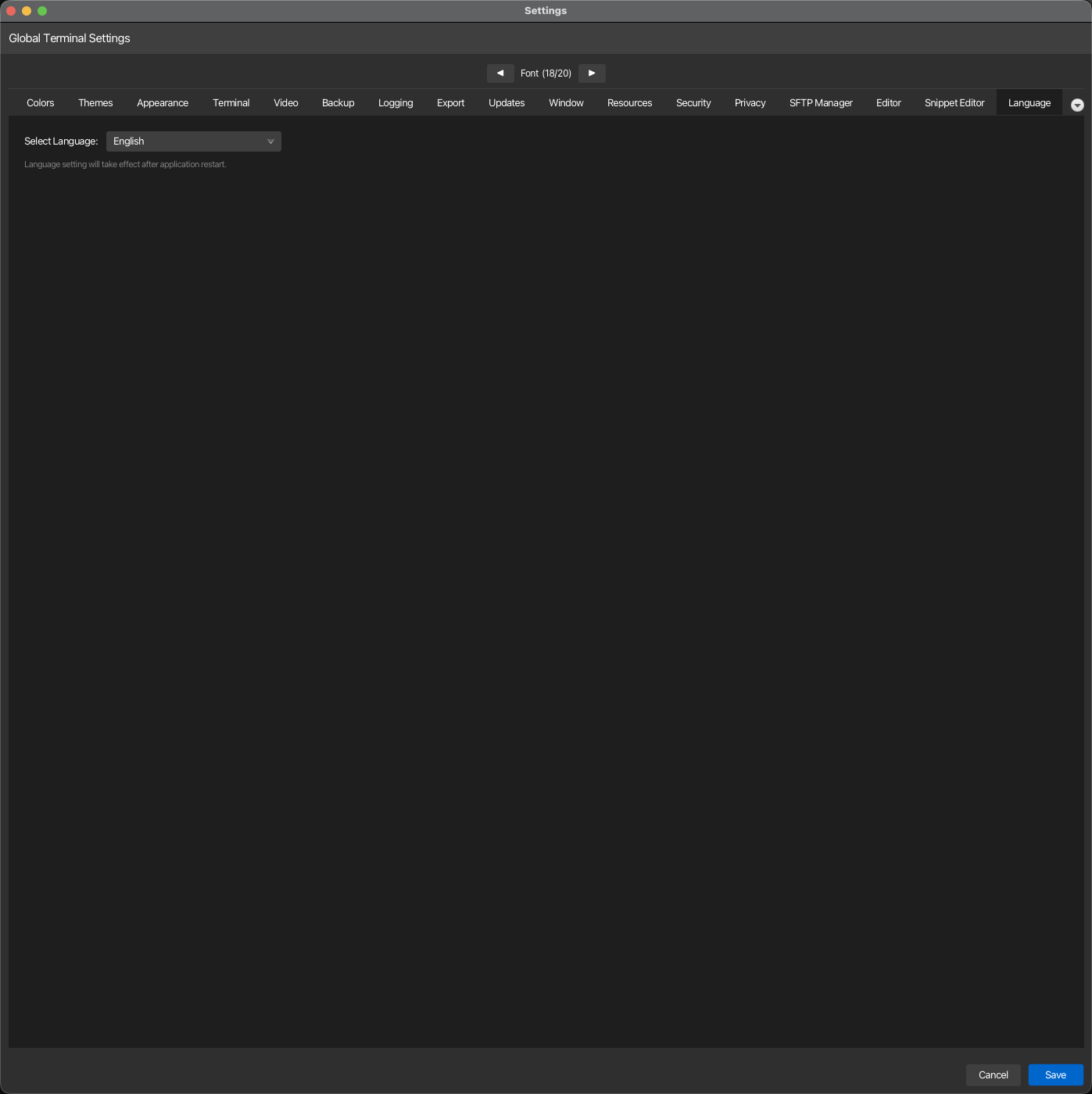
| Setting | Type | Values | Default | Stored as |
|---|---|---|---|---|
| Select Language: | dropdown | Auto-detect (System Language), English, German, Italian, Spanish, Portuguese, French, Croatian, Dutch | Auto-detect (System Language) | language |
Note
Language changes take effect after the application is restarted. The setting will apply to the user interface labels, menus, and dialogs the next time korTTY launches.
Additional languages
Languages you generated with a translation service (see Translation) appear below the built-in ones in the dropdown, labeled with the language name and its code; see Languages & dynamic translation.
Date and number formats
The installed application bundles Java locale data only for the 8 supported interface languages. If your operating system runs in a locale outside this list, dates and numbers are formatted using English conventions.